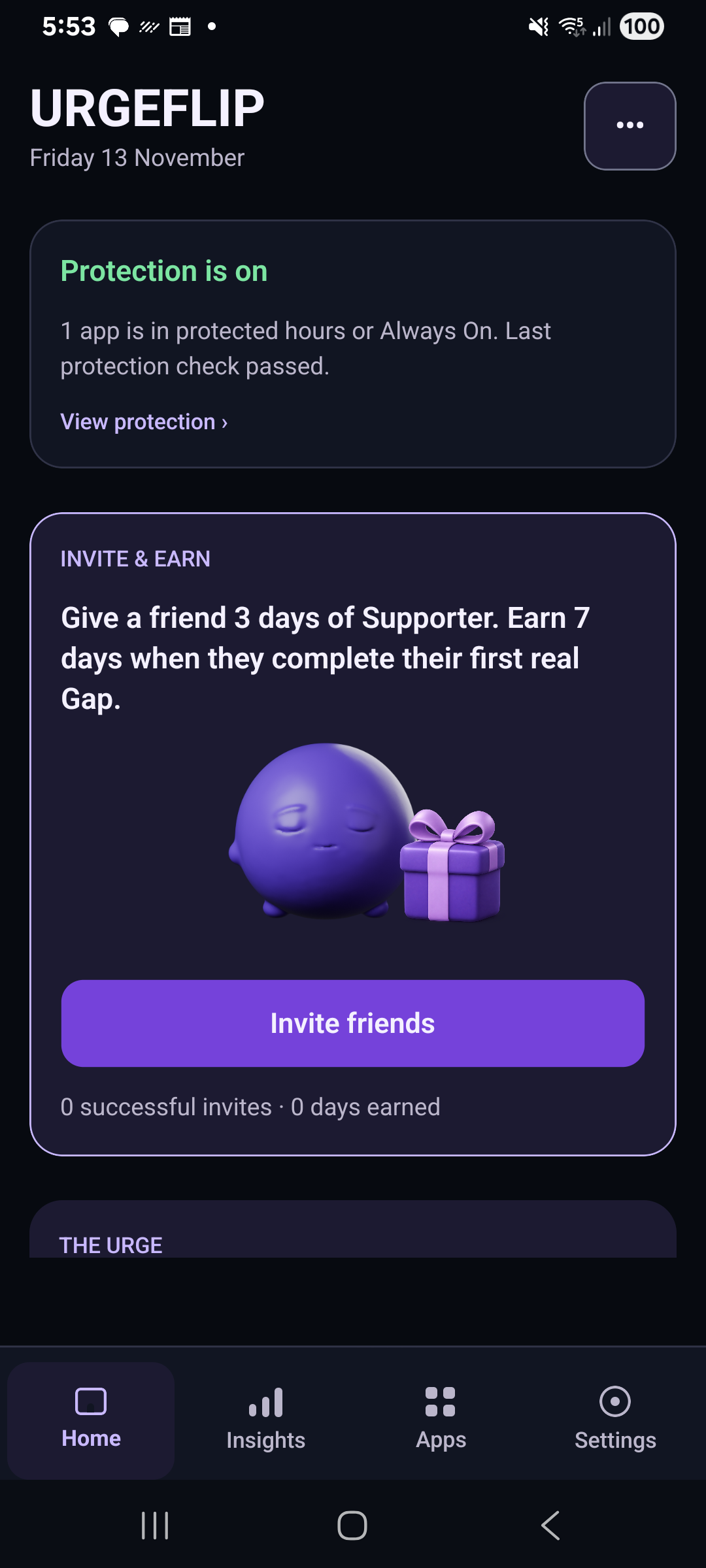
Install the app
Follow the installation instructions for your Android release. The app is called URGEFLIP.
EXPLORE URGEFLIP
URGEFLIP helps you add a moment of choice when opening distracting apps.
JUST A FEW STEPS
A simple path from installing the app to making your own choice.
Follow the installation instructions for your Android release. The app is called URGEFLIP.
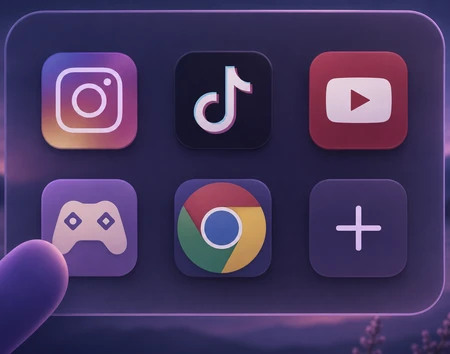
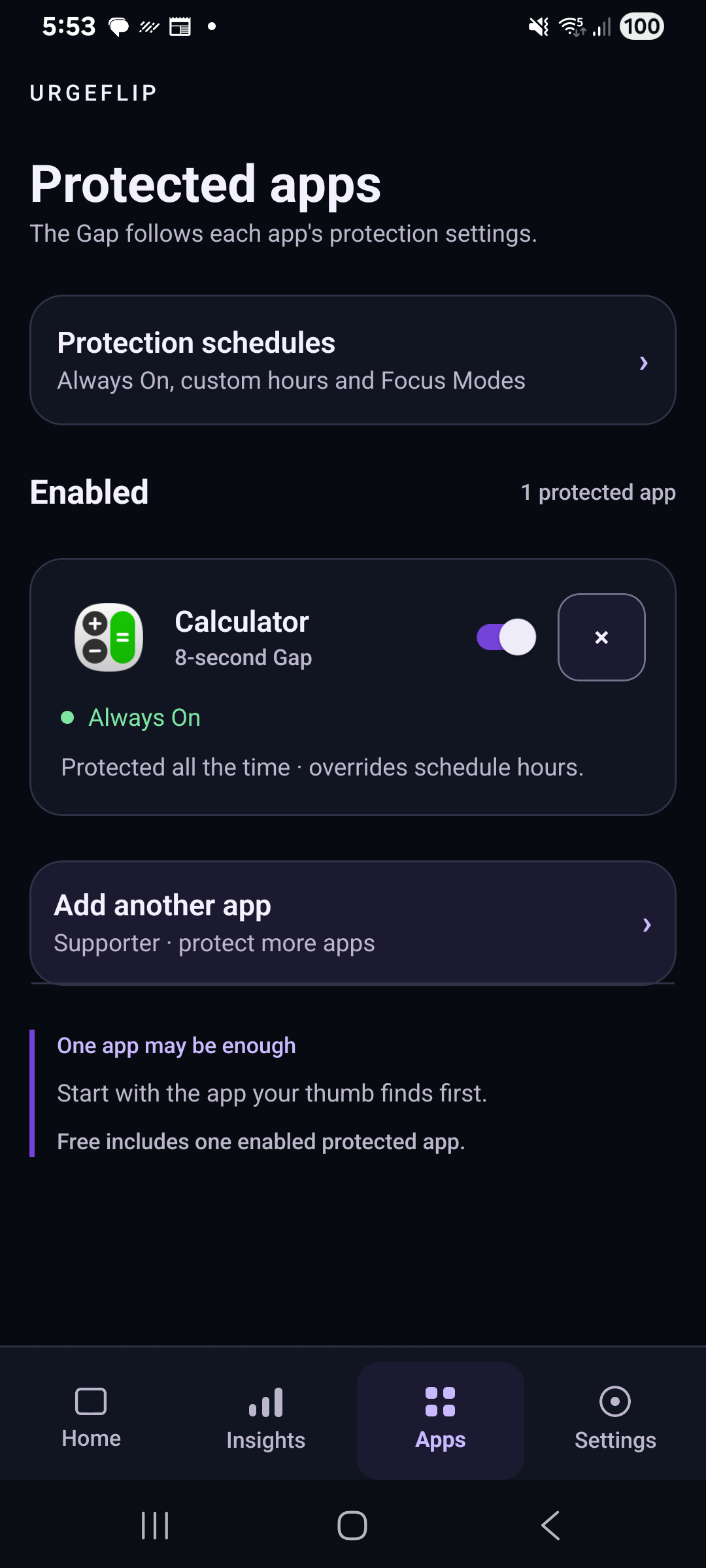
Select the apps you want to protect and set when protection is active.

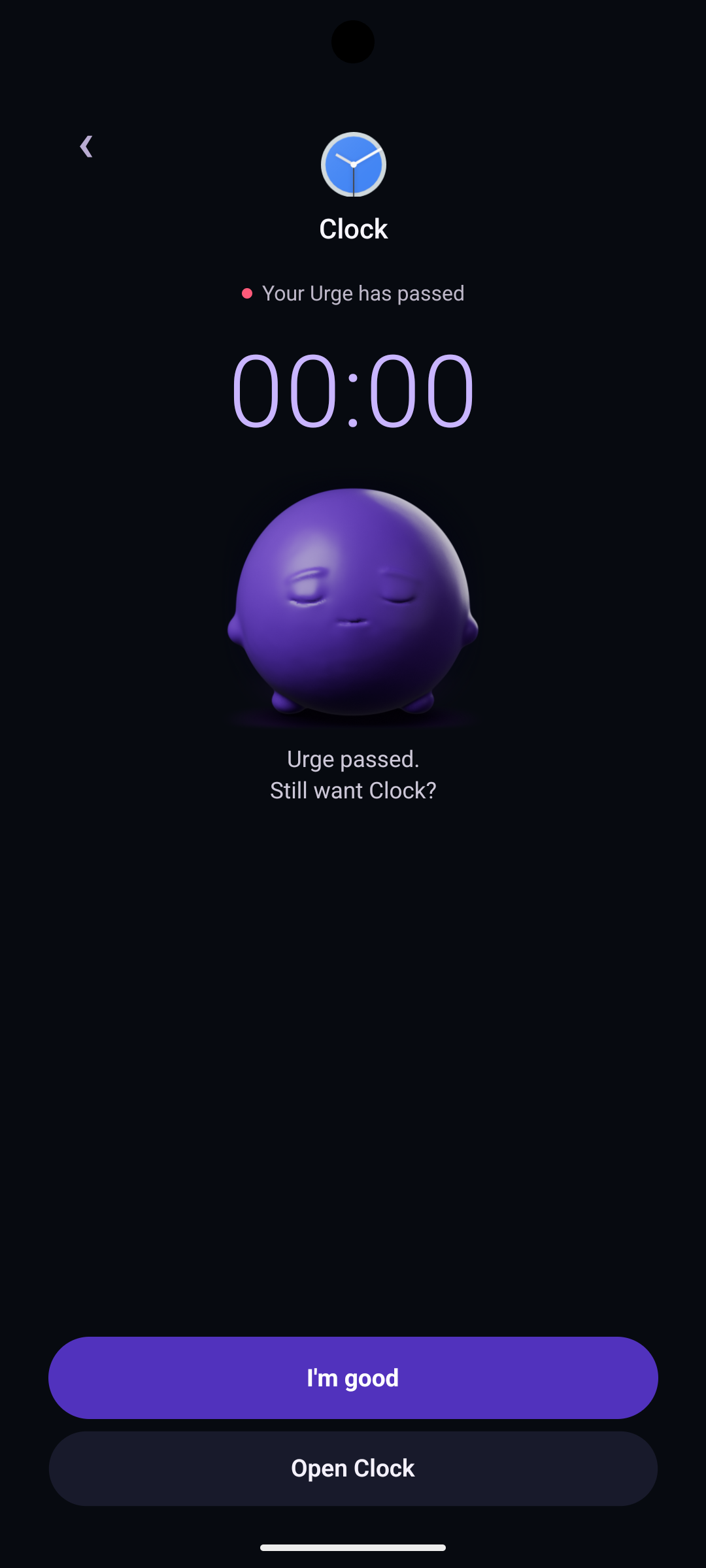
Notice the urge and choose how you want to continue.
YOUR PRIVACY MATTERS
Understand the permissions behind app protection, what stays on your device, and how to manage your data.
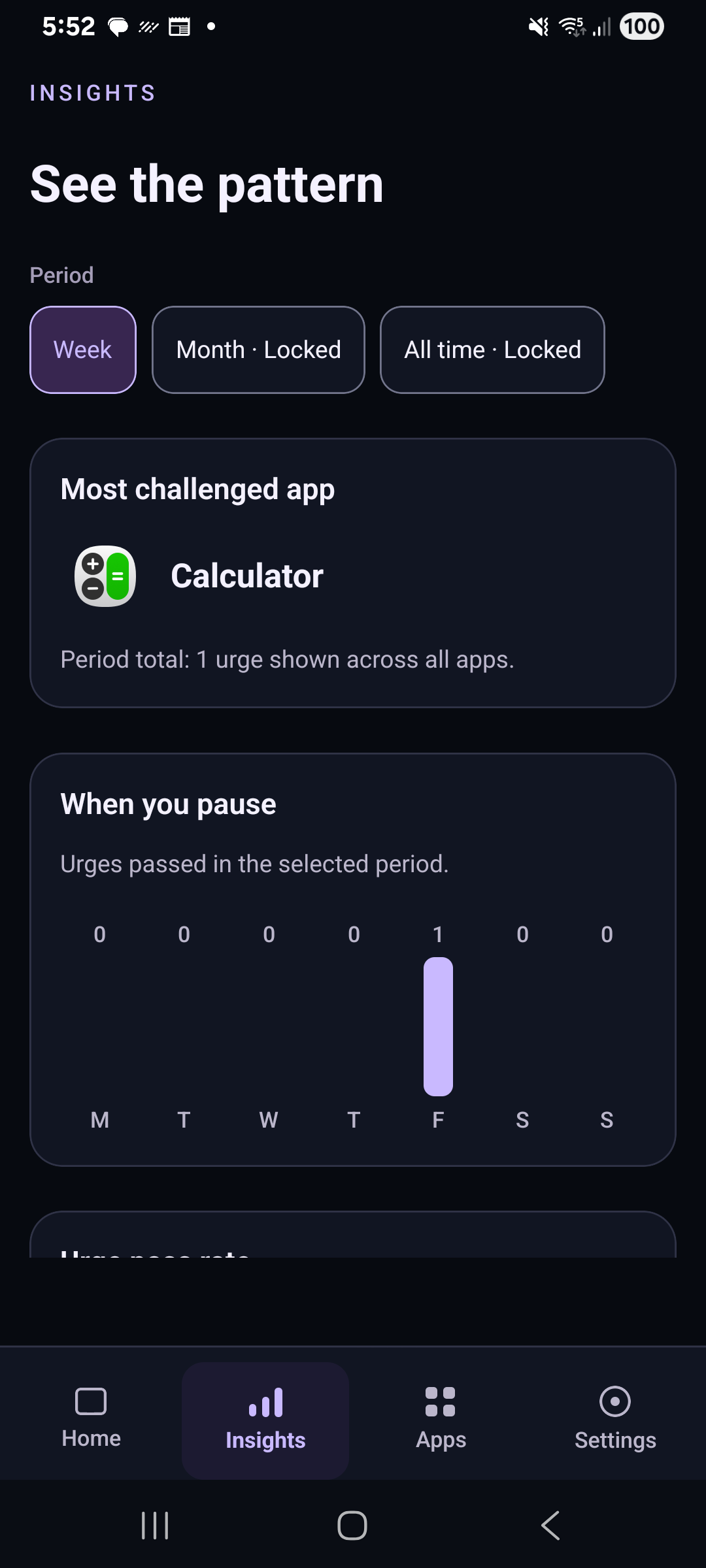
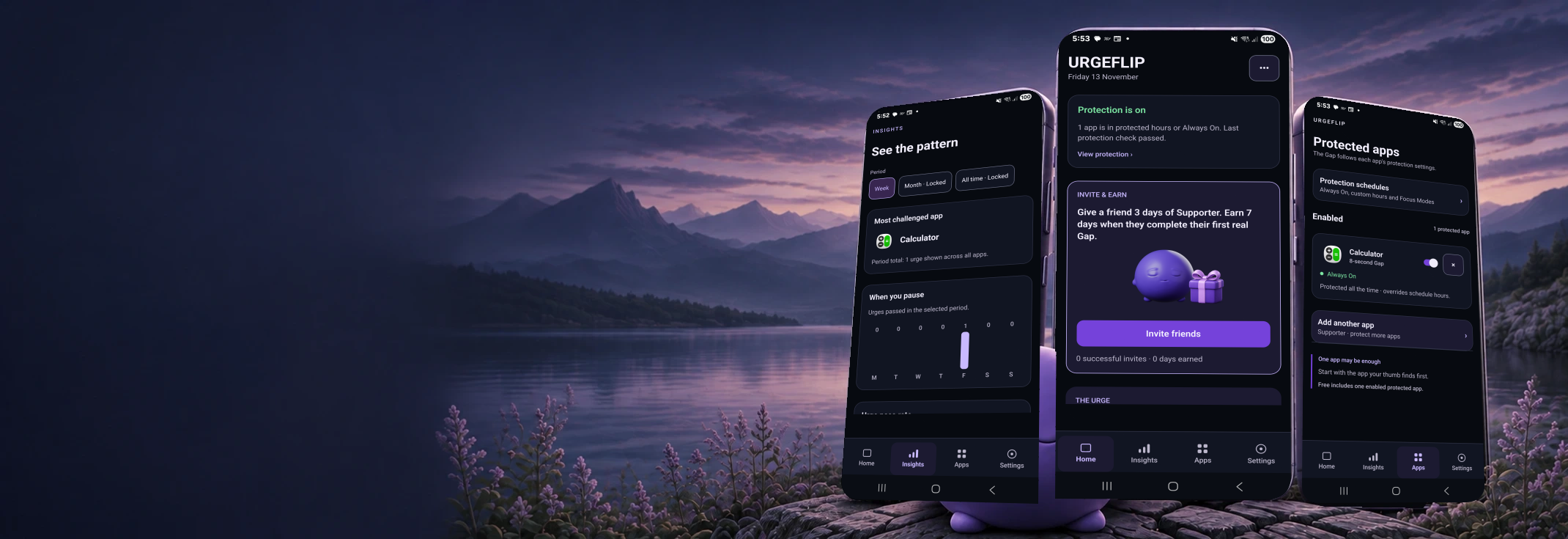
Explore privacy →Actual URGEFLIP screens on Android. Activity figures show a test setup.